- Open the image/screenshot
- Right click and then select “copy” or “copy image” (depending on your browser)
- Open this thread (Game Guess the screenshot)
- At the bottom of the page where you type to create a new thread, right click and select “paste”
1 Like
Yup, that’s exactly how you do it.
Or you can use “prtscn” to capture any frame you want when watching the DVD on PC. The paste into an image editor like photoshop. Upload the image to a hosting service and copy the link into your post. That’s how I do it. Takes a bit longer, but you can get a shot of anything you want. I have all the episodes ripped to my hard drive so it’s much quicker than using the DVD’s.
1 Like
I used WMM to rip screencaps (I have MANY MANY Mumm-Ras) then post it all on tumblr.
Here’s a screenshot I’m sure you’ll all love:
http://thundercats.org/cartoon/cartoonguide/episodeguide/berbils/screenshots/4.jpg
Berbils?
1 Like
¿Crystal Queen?
Totally. 
http://vignette3.wikia.nocookie.net/thundercats/images/f/f5/20_Mongor11.jpg/revision/latest?cb=20130914071300 Good luck all.
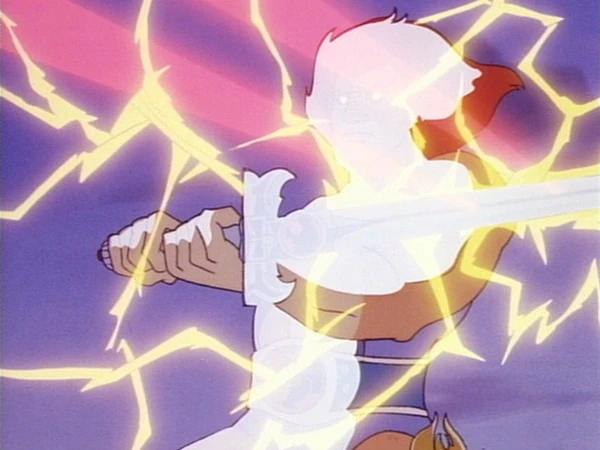
1 Like
¿Demolisher?
“Mongor.”
you got it
1 Like
Here’s a screenshot you’ll get a kick out of:
https://www.blogcdn.com/www.engadget.com/media/2013/09/thundercatslove-1378304794.jpg
1 Like
I knew it was one of those!
ThunderCats Ho! - Part 5, the very end scene 
1 Like
Your turn.
OK, see if you know this one.
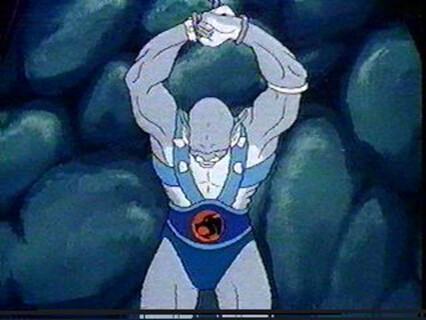
1 Like
Divide and Conquer?
Yup! That’s it! Your turn!
Here’s a new one
http://thundercats.org/wp-content/uploads/2015/02/Shadowmaster8.jpg
1 Like